Why Your Website Needs to Answer Common Customer Questions (And Why Chat is Better)
Published: 2026-01-07 | 10 min read
You spent $3,000 on a new website. It looks beautiful. It loads fast. It's mobile-friendly.
But customers still aren't booking. Why?
The answer is simpler than you think: They can't find answers to their questions.
According to Forrester Research, a staggering 82% of customers will leave your website if they can't quickly find the information they need.
They won't call. They won't email. They'll just leave—and book with a competitor who makes it easier.
The Hidden Cost of Unanswered Questions
Imagine you get 40 visitors to your website per week. Industry average conversion is 2-5%.
But what about the other 95-98%? Where do they go?
HubSpot research shows that 64% of visitors leave because they can't find core details like:
- Pricing
- Availability
- Location
- Services offered
- How to book
The Real-World Math
Let's look at a small service business example:
- 40 visitors/week
- 2% convert (0.8 customers/week)
- 64% leave due to unanswered questions (25.6 visitors)
If you answered their questions immediately, your conversion could jump to 5%.
At a $500 average customer value, that's a loss of $31,200 per year in revenue simply because your website doesn't answer basic questions.
What Are "Common Customer Questions"?
Before fixing the "where," let's identify the "what." Most questions fall into two buckets:
1. The Universal Top 10
No matter what industry you're in, these represent 70-80% of all inquiries:
- "How much does it cost?"
- "Where are you located?"
- "What are your hours?"
- "How do I book?"
- "Do you have availability this week?"
- "What's your cancellation policy?"
- "Do you take my insurance?"
- "How long does it take?"
- "What should I bring?"
- "Are you accepting new customers?"
2. Industry-Specific Deep Dives
- Medical/Dental: "Do you handle emergencies?"
- Salons/Spas: "Can I request a specific stylist?"
- Professional Services: "What deliverables do I get?"
💡 Pro Tip: Don't guess. Pull your last 20 emails or voicemails. The patterns will emerge immediately.
📥 Download our complete Checklist of 30 common questions →
Where Should You Put These Answers?
Most businesses stop at creating an FAQ page. While good, it's not the most effective way to convert.
Option 1: The FAQ Page (Good)
Pros: Centralizes info and helps SEO.
Cons: It's passive. Customers have to hunt for it, and most won't.
Option 2: Integrated Context (Better)
Strategic placement: Pricing on service pages, hours in the footer, policies near the booking button.
Cons: Still static. It can't answer follow-up questions or clarify unique situations.
Option 3: Proactive Chat Window (Best)
This is where the magic happens.
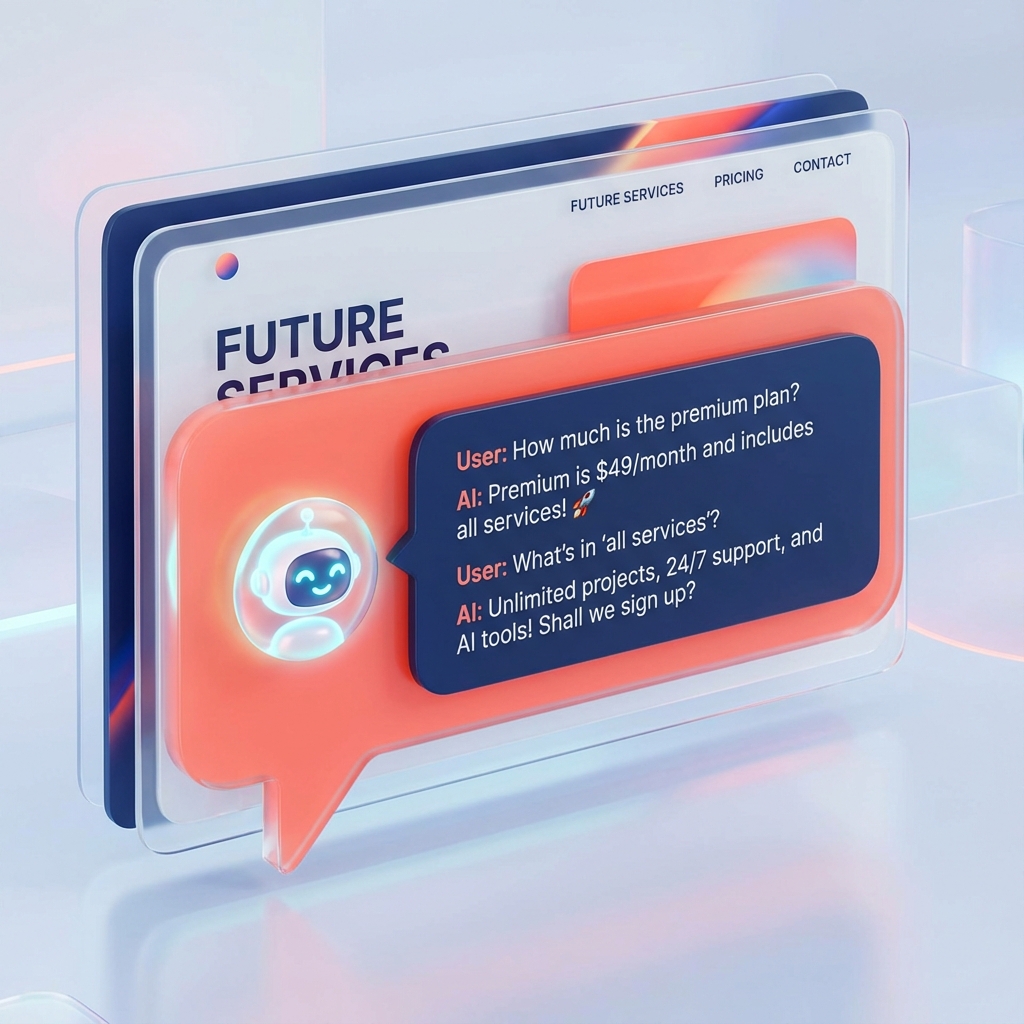
An AI chat window reaches out to the customer the moment they arrive. It doesn't wait for them to hunt; it offers the answer before they even ask.
Why Chat Beats Static FAQs Every Time
Let's look at the customer journey for a simple pricing question.
The FAQ Page Experience (3 Minutes)
- Lands on homepage.
- Searches menu for "FAQ."
- Scrolls through 20 questions.
- Finds "Pricing."
- Reads generic answer: "Prices vary by service."
- Frustrated. Leaves.
The AI Chat Experience (60 Seconds)
- Lands on homepage.
- Chat pops up: "Hi! Looking for pricing?"
- Customer: "Yes, how much for a cleaning?"
- Chat: "Standard cleaning is $200. I have Tuesday at 2 PM available. Want it?"
- Booked. Done.
| Feature | Static FAQ | AI Chat Window |
|---|---|---|
| Engagement | Passive (Seeker) | Proactive (Helper) |
| Answers | Generic | Personalized |
| Booking | Separate Link | Instant & Integrated |
| Availability | 24/7 (Reading) | 24/7 (Conversing) |
🧠 The Psychology of Conversation
Why does chat convert 3x higher than static pages?
- Instant Gratification: Humans want answers NOW. Waiting is friction.
- Personalization: "A root canal is $800" is better than "Call for a quote."
- Lower Cognitive Load: Asking a question is easier than searching a list.
- Lead Capture: Unlike an FAQ page, chat can ask, "Mind if I send you more info?" to capture an email.
🛠️ How to Implement This Right
Step 1: Document & Audit
List your top 20 repetitive questions. Use our Customer Questions Checklist to save time.
Step 2: Add AI Chat
Stop making customers hunt. AI chat works while you sleep, costs a fraction of a human staff member, and never forgets a detail.
Step 3: Train & Monitor
The best AI assistants learn from every interaction. Review your chats once a week to see what new questions are popping up.
🏁 The Bottom Line
Every customer who leaves your website without an answer is a competitor's new client.
The difference between a 2% and 15% conversion rate often comes down to how easy you make it for customers to find the information they need.
Can you afford NOT to be answering?
Ready to automate your answers?
Categories
Capture Every Single Lead
Don't let potential customers leave without answers. HelloChippy works 24/7 to answer questions and book appointments for you.
Start 14-Day Free Trial →